iflytek
iflytek Offline Voice Recorder with Playback, USB-C to 3.5mm Audio Jack Adapter, Secure Digital Recorder with AI Transcription, 5-Language Voice-to-Text, Noise Reduction
iflytek Offline Voice Recorder with Playback, USB-C to 3.5mm Audio Jack Adapter, Secure Digital Recorder with AI Transcription, 5-Language Voice-to-Text, Noise Reduction
Couldn't load pickup availability
【Instant Audio Replay】Quickly review recordings with timeline playback (voice recorder with playback). ideal for replaying academic discussions. business negotiations. and language learning.(NOTICE: Please ensure the device is fully charged before use
【AI Noise-Canceling Audio】6-mic AI voice recorder blocks crowds and echoes. perfect for journalists. trade shows. business meetings. and conferences.(NOTICE: Please do not cover the microphone during recording. Doing so may result in loss of audio or degraded noise reduction performance.)
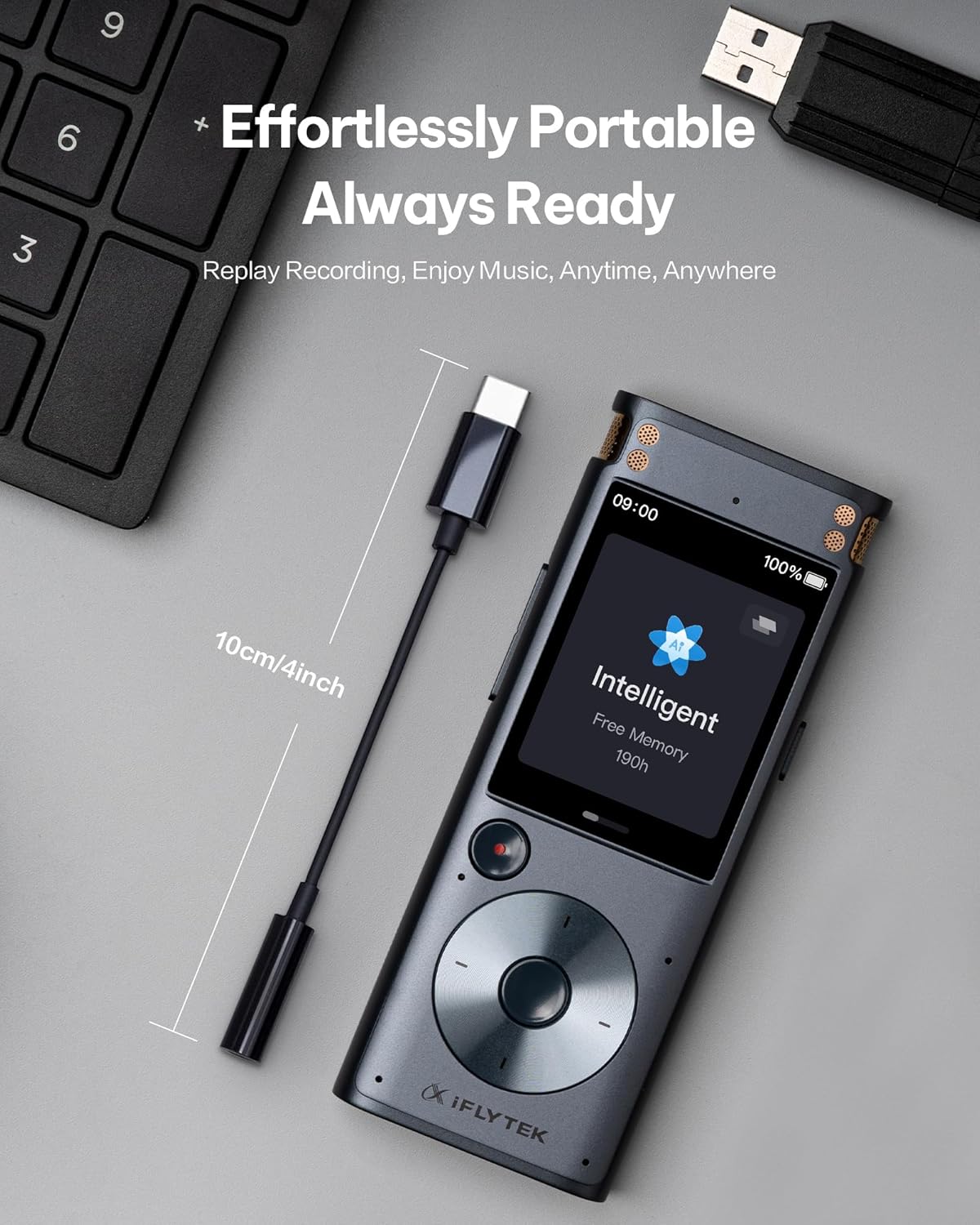
【Effortless Plug-and-Play】No drivers or setup required—just plug in digital voice recorder for instant zero-latency audio. Its compact. lightweight design slips easily into pockets or bags for on-the-go convenience.
【High durability】Reinforced with a SUS 316 Shell and TPE material. it resists daily wear. bends. and tugs. Successfully passed 10.000 bend tests. making it stress-free for travel.
1Real-Time Transcribe2Audio Import Trancriber3AI Noise Cancellation4 Easy Access & Review5USB File Transfer
How can I improve transcription accuracy?
1. Clear Pronunciation: Speak with minimal accent and enunciate words clearly.
2. Microphone Positioning: Keep the microphone 3-6 inches from your mouth and avoid covering it.
How can I improve noise reduction performance?
1. Do not block the microphone during recording—covering it may prevent audio capture and reduce noise filtering effectiveness.
2. Ensure the microphone is unobstructed and positioned close to the sound source for clear input.
What should I do if the device shows a blank screen?
1. Ensure the device is fully charged before use.
2. Check if it has been inactive for extended periods—prolonged non-use may trigger automatic shutdown.
3. Restart the device to clear temporary system glitches.
Is the device compatible with Mac computers?
Yes. you can transfer files to your Mac directly!
Simply download Android File Transfer on your Mac. then connect the device via USB cable to access your files.
For detailed steps. please refer to the User Manual.
Is audio import for transcription supported?(*new function)
How can I improve transcription accuracy?
How can I improve noise reduction performance?
What should I do if the device shows a blank screen?
Is the device compatible with Mac computers?
Share